
Expand to see my process
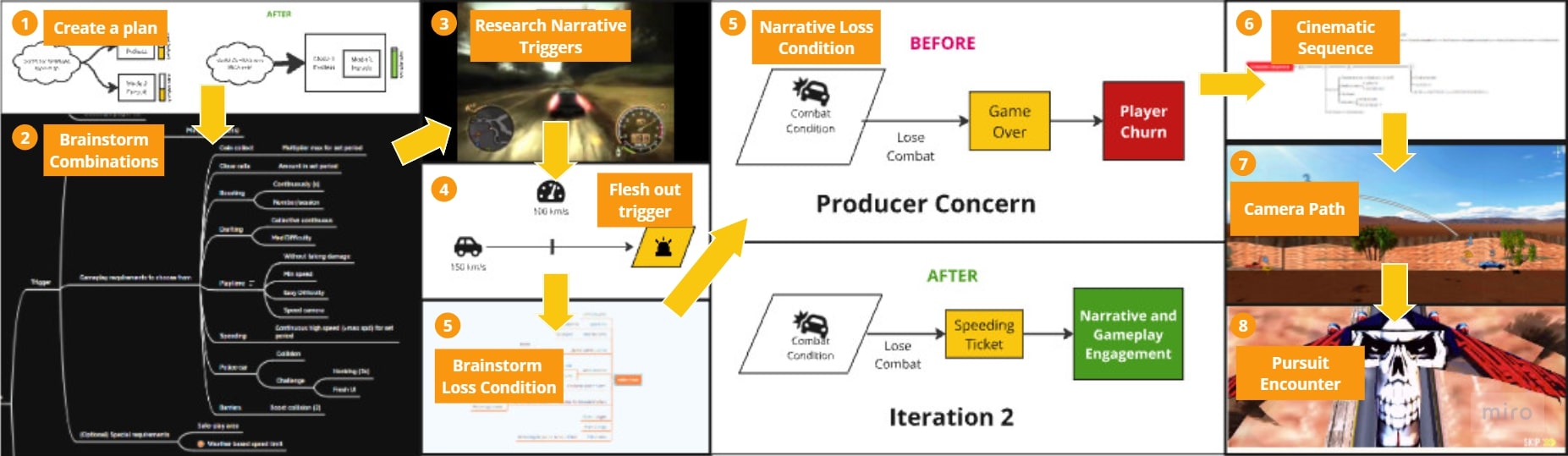
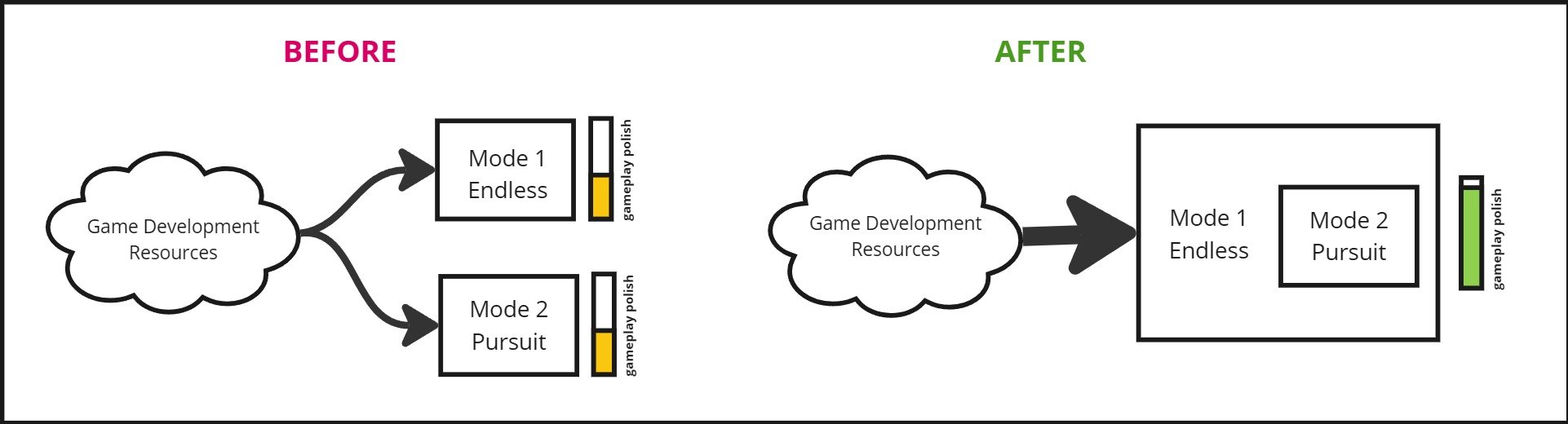
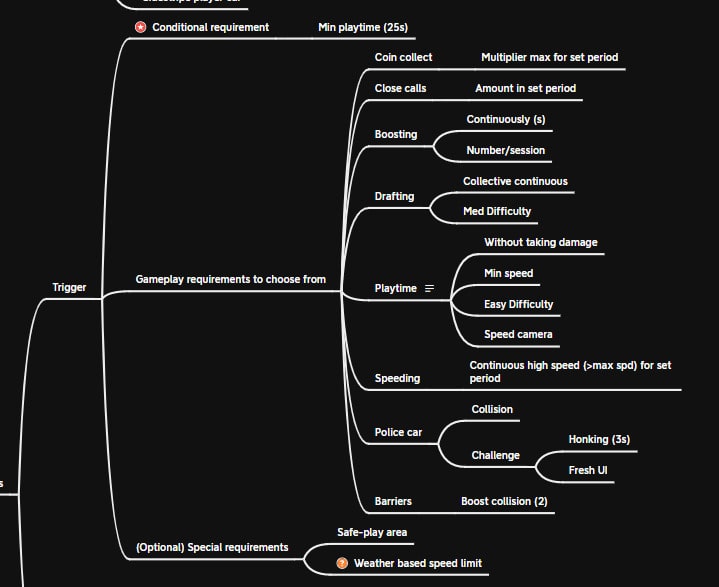
1. I did a first pass on fleshing out the Pursuit encounter, listing possible triggers and success/failure criteria
Phase 2: Encounter Trigger System
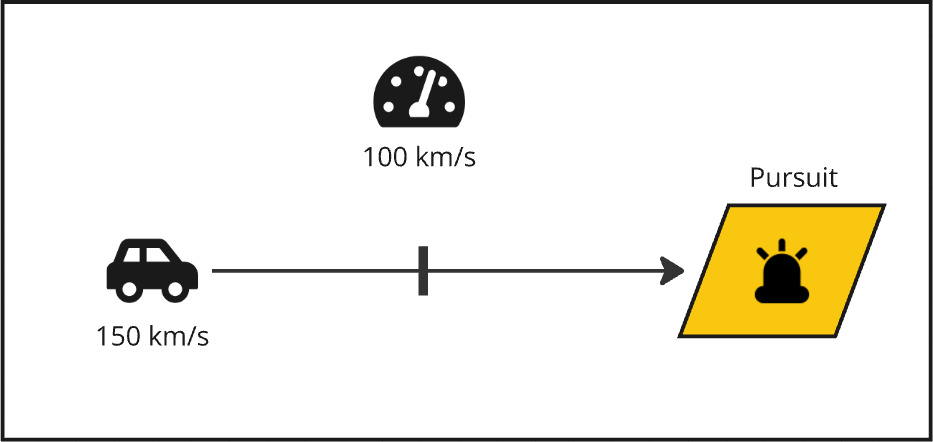
1. First, I had to figure out how the quest was going to trigger in the heat of the fast-paced gameplay. I dug into the quest’s narrative themes for that, researching some inspirational gameplay from other racing game pursuits.
2. This lead to my discovery of the quest transition system: speed cameras. It fit well with the gameplay too, since if the player was driving at high speeds already – they needed a bigger challenge.
Phase 3: I based the encounter around action and combat. To do that,
1. I created a combat system and revamped enemy behavior. This obviously meant that the player could lose the combat encounter, and in turn also lead to game over.
The leadership was concerned with loss condition will increase player churn.
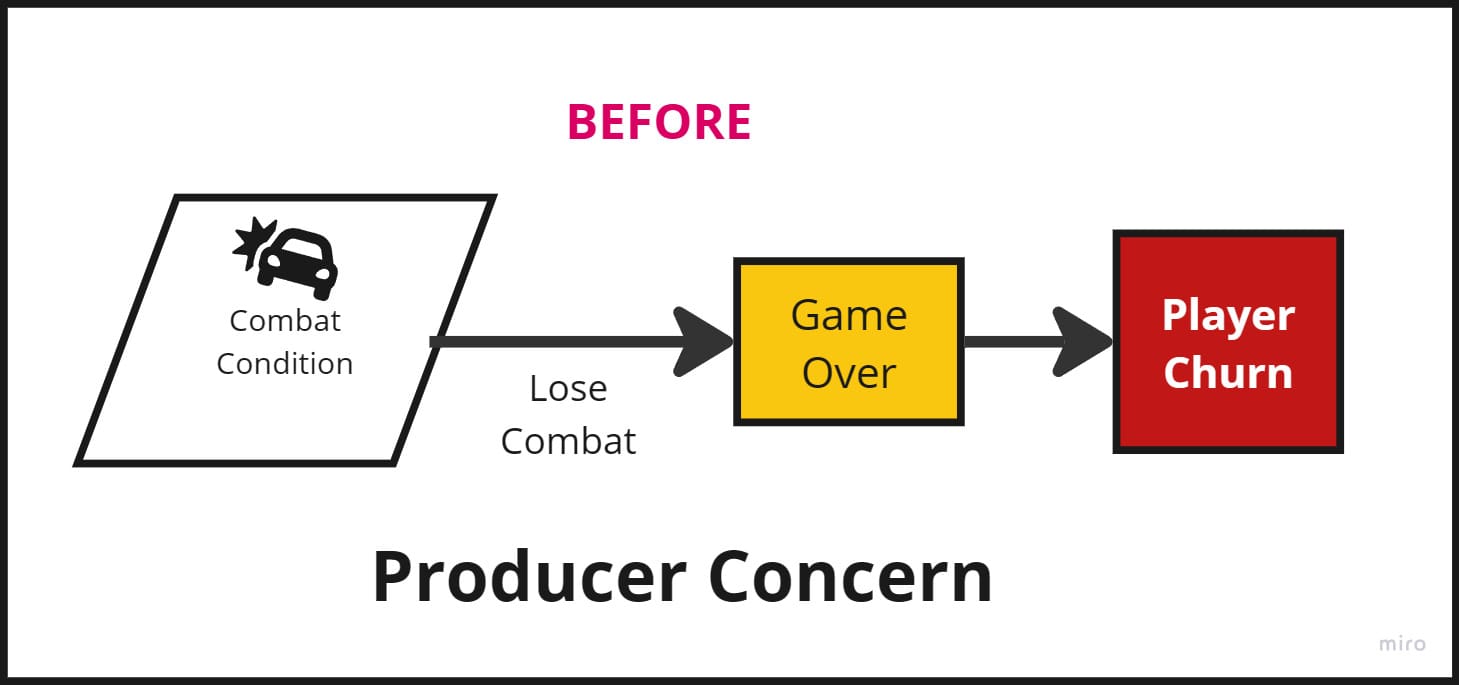
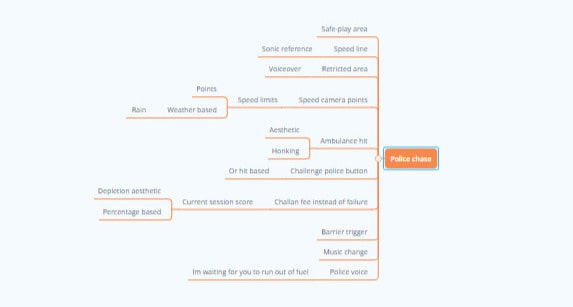
2. Brainstormed alternative solutions to make sure the loss condition doesn’t lead to game over to retain the players. I referred to the Cop Chase narrative to discover a penalty for the player.
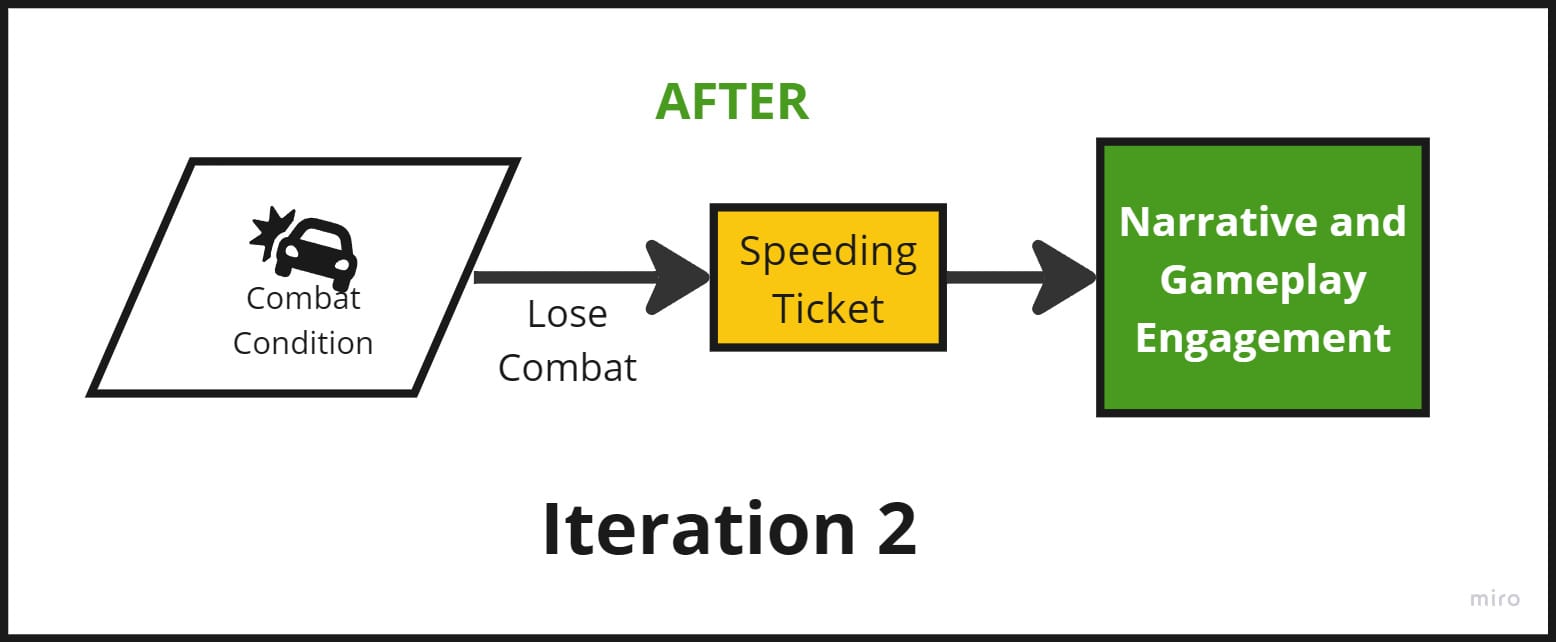
3. Redesigned the penalty to speeding ticket that deducted a % of the player’s earnings. It was a justifiably punishing condition that directly fueled the players’ motivation to win the encounter.
4. To introduce some exciting narrative elements into this encounter, I designed the cop character to be an over-the-top, goal-driven anti-hero.
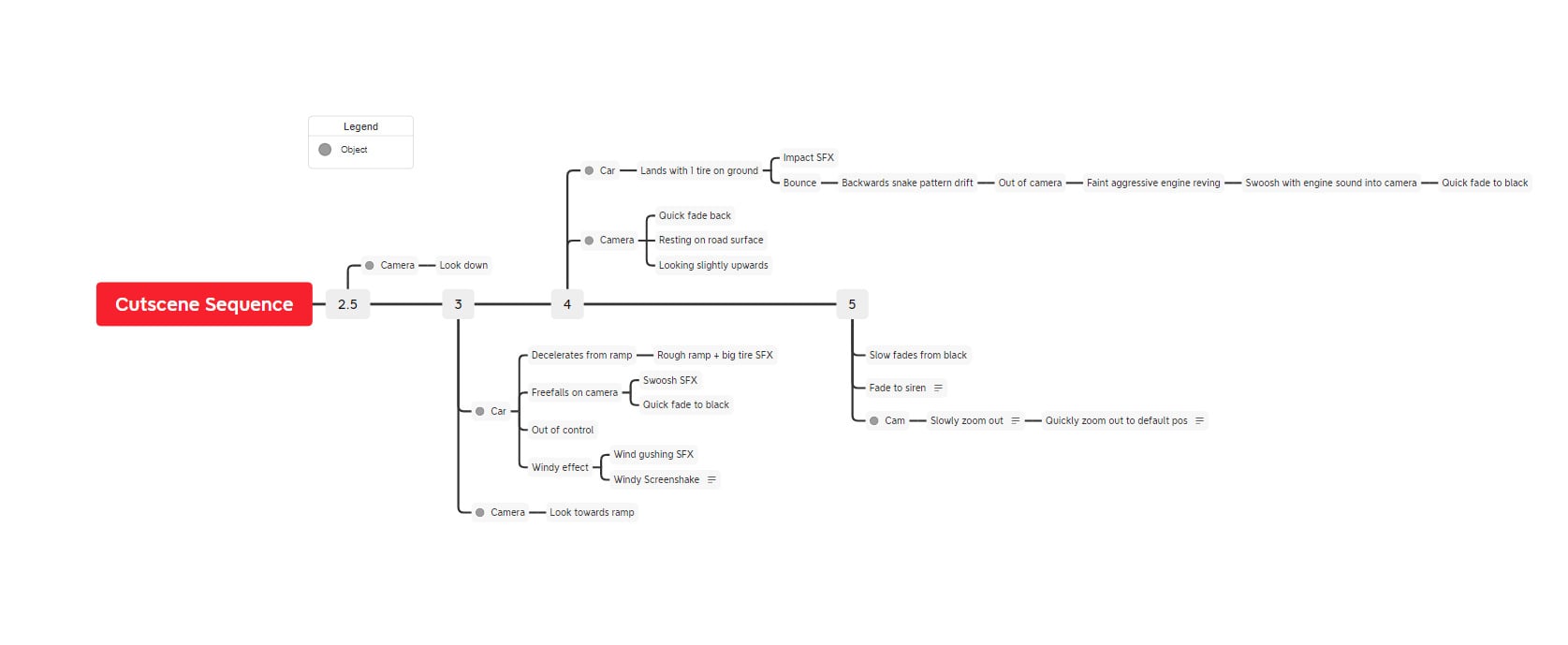
5. This led to the intro sequence. The cop car jumps out of an aggressive looking flying plane, to chase you down.
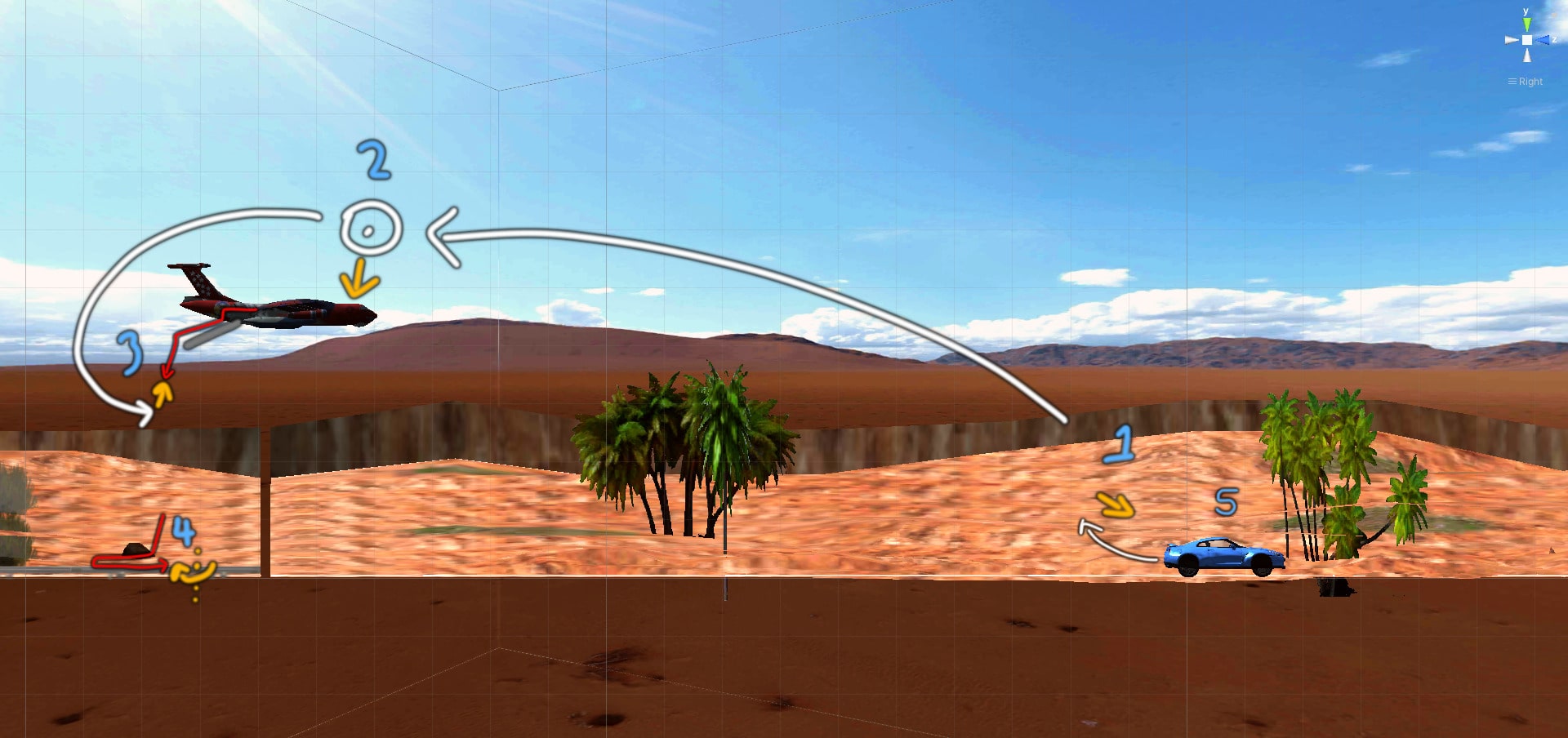
6. Final cutscene sequence:
Expand to see my process
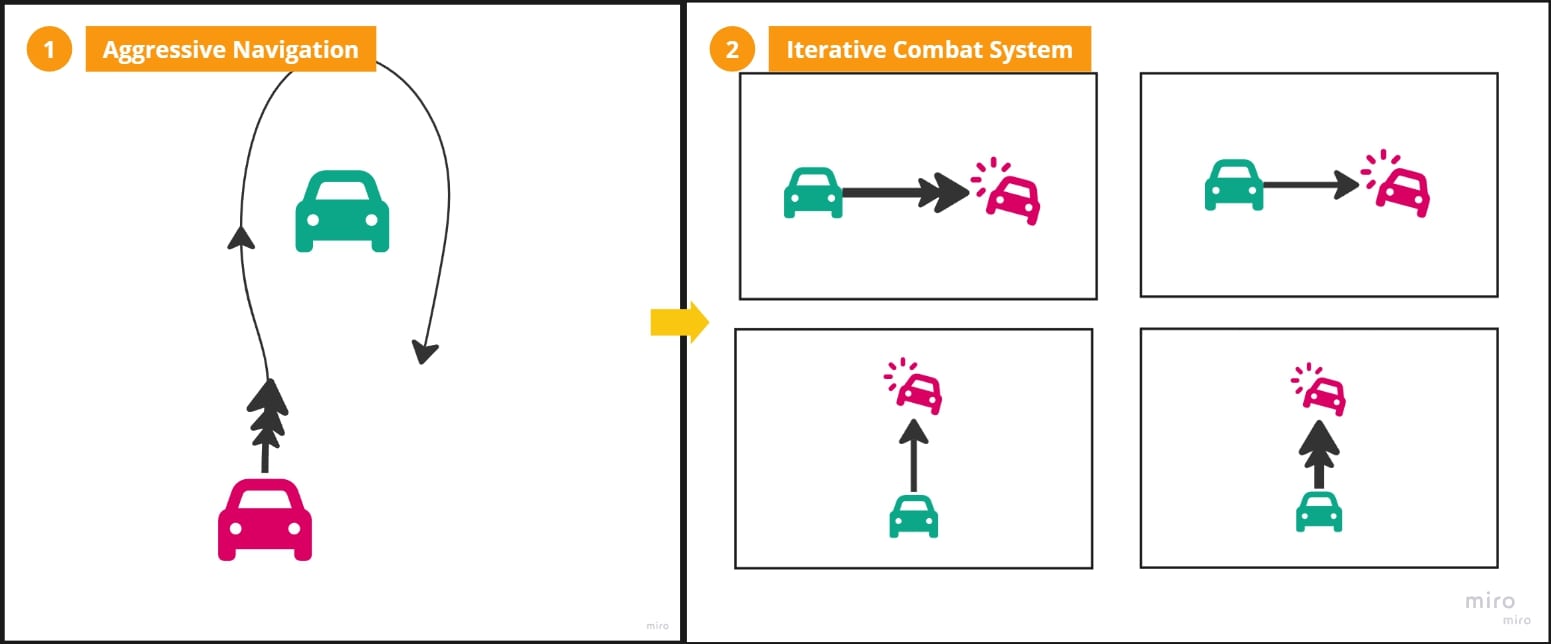
Phase 1: AI Navigation System
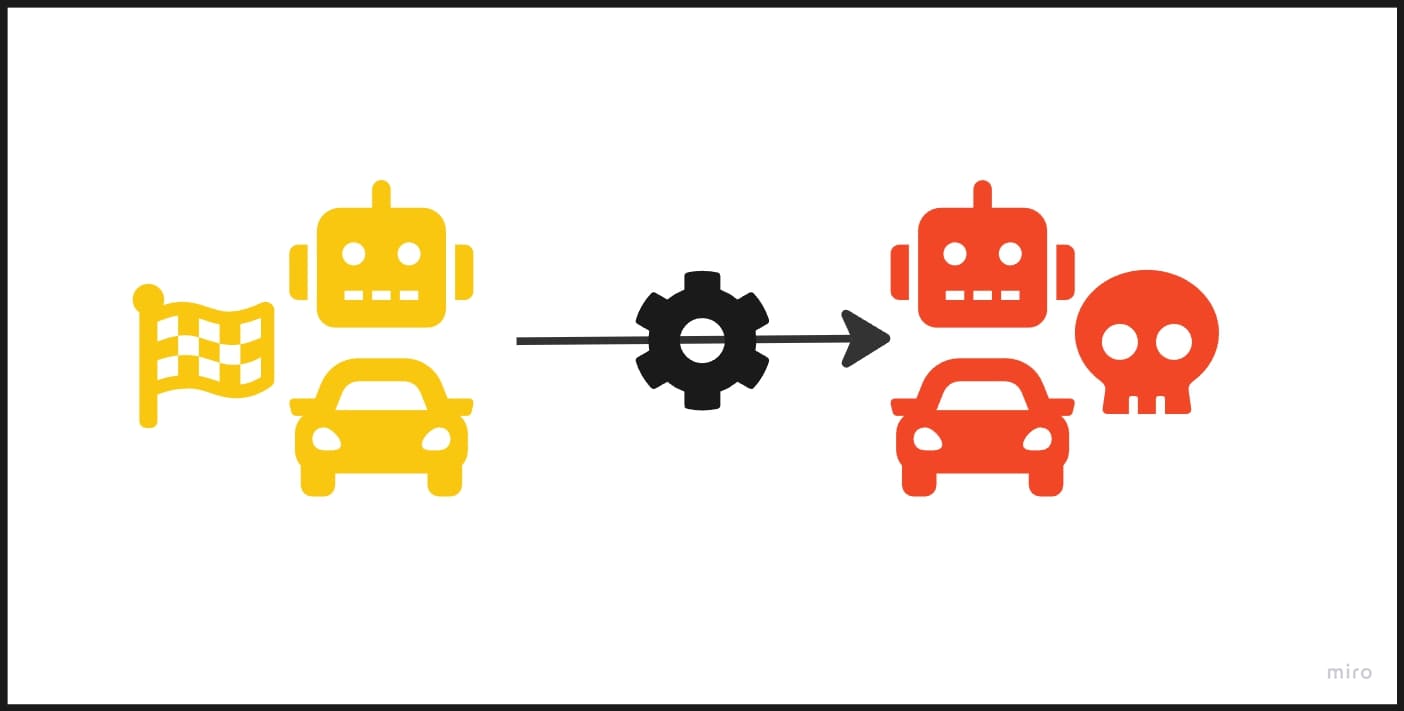
1. For Killer Cop’s Navigation system, I repurposed the Racer AI Navigation system that I designed for the Race mode, by doing some tweaks.
2. I tuned it’s acceleration criterias to reactively and closely loom around the player. I relied on this heavily to create the illusion of aggression, since a design constraint was to avoid actively bringing about game over.

Phase 2: Damage Mechanic
1. I introduced a health stat for Killer Cop and designed it to be damaged through collisions.
2. To avoid complexity and scope creep, I designed discrete collision reactions rather than allowing physics to take control of the health. Starting with a simple damage on collision, I iteratively added further collision reactions to Killer Cop.
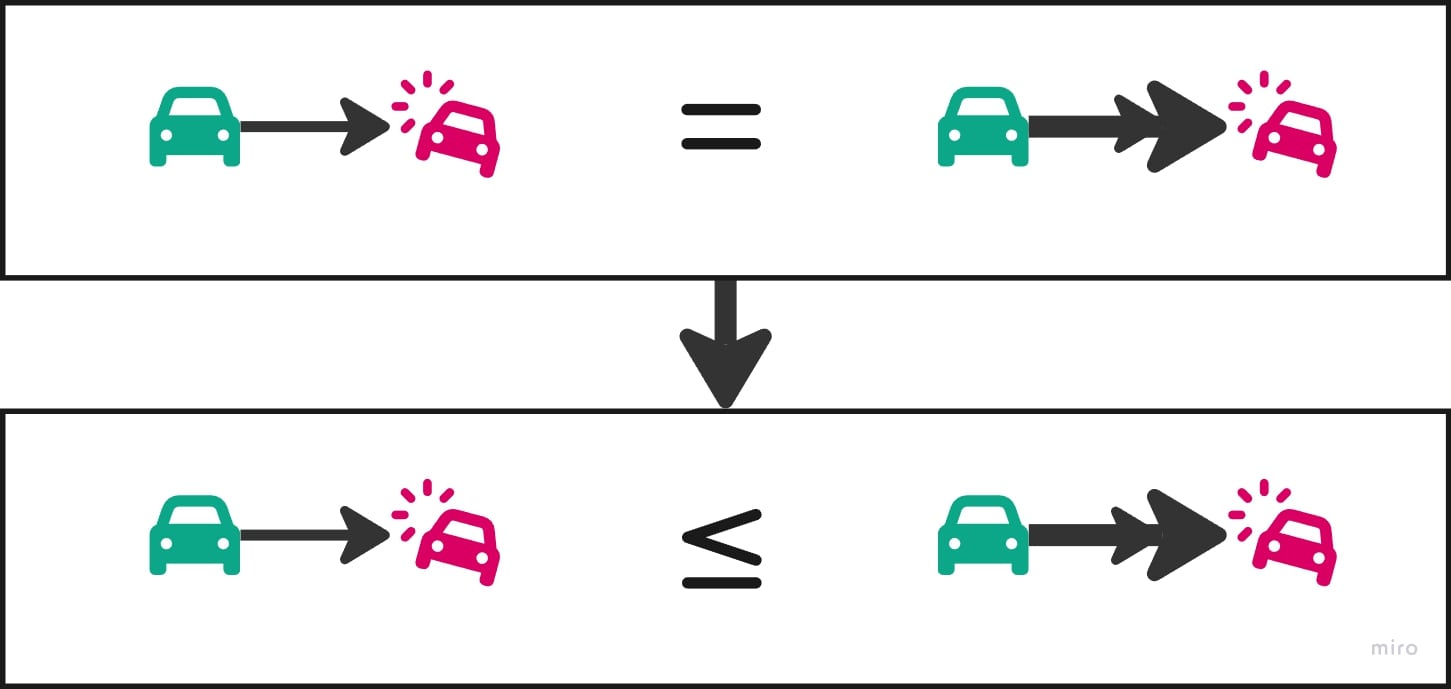
3. Ultimately, this shaped up to be 2 types of reactions for each of the both head-to-tail collisions and side-to-side collisions.
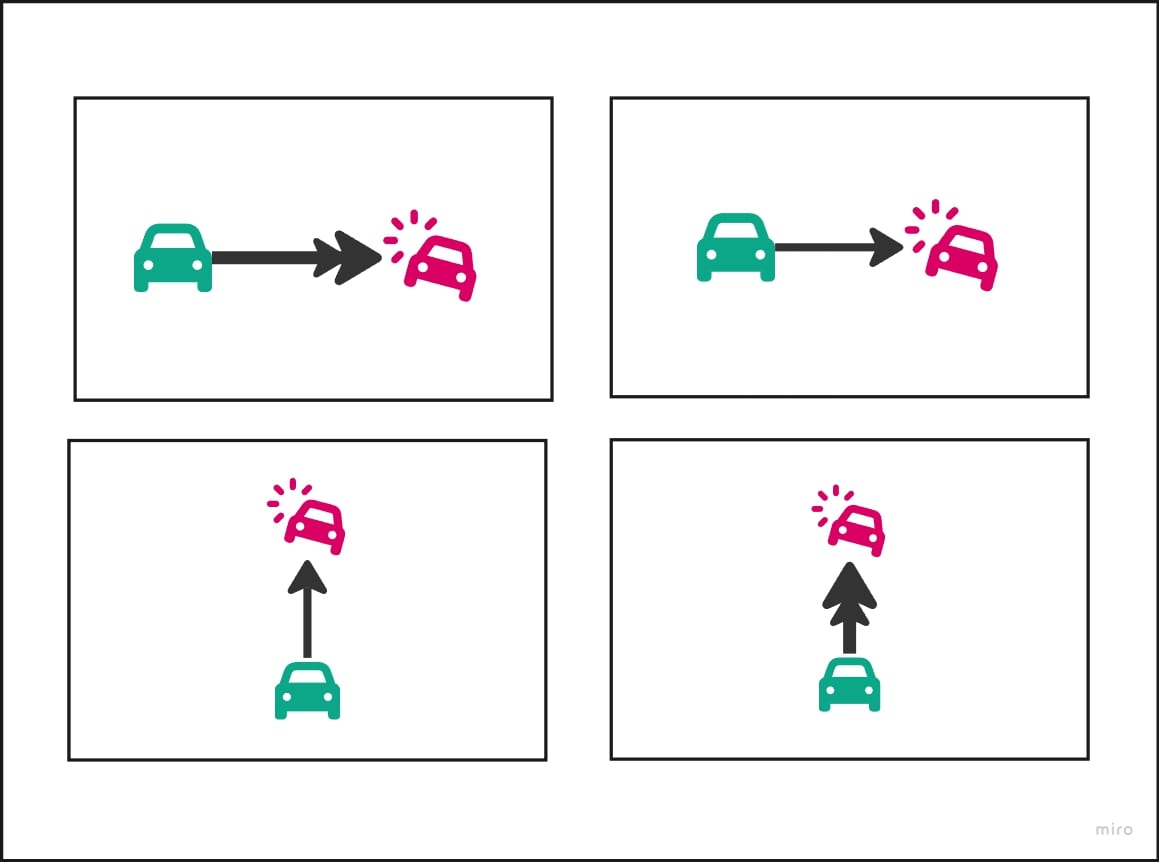
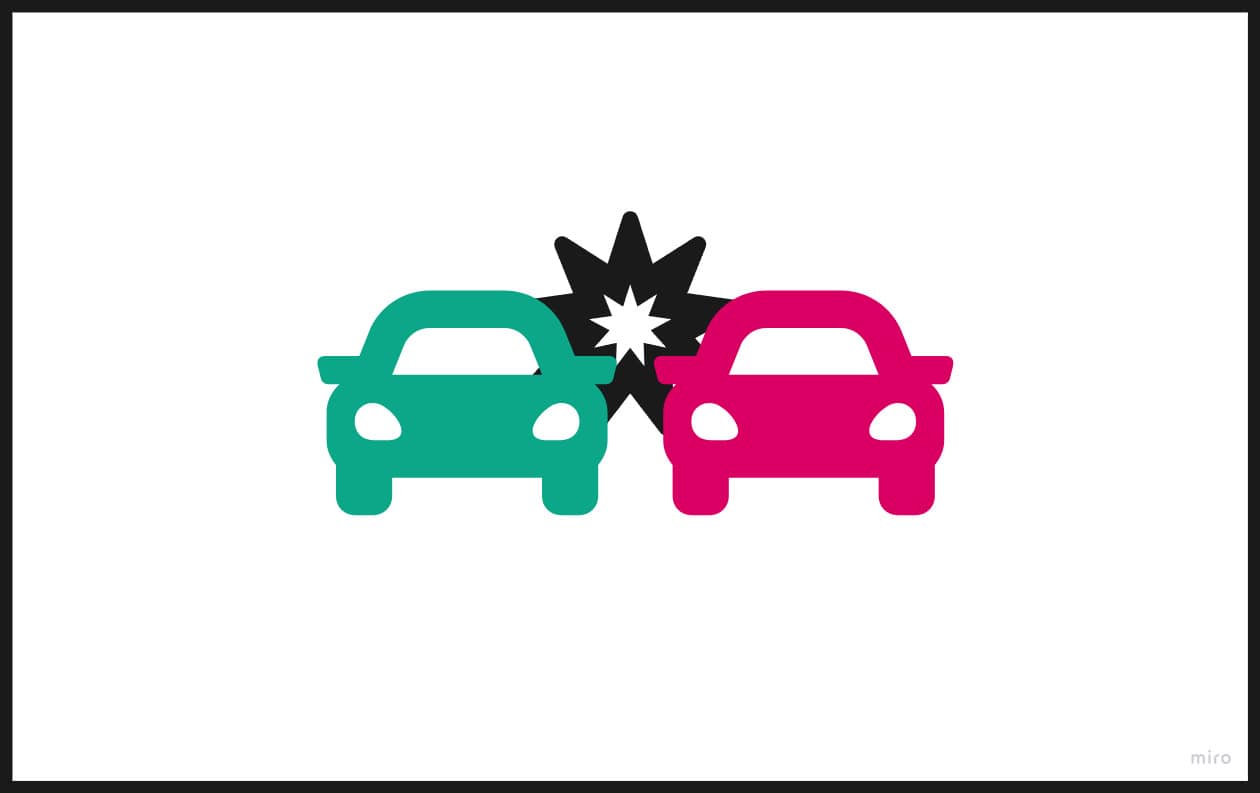
4. I also ended up damaging the cop whenever it rubbed across a body, to remove the frustration from interlocking collisions and incentivize it instead.
Expand to see my process
Phase 1: Timeline prototype to get team buy-in
1. When I pitched the feature to the team, they had a strong negative perception on it. Their previous attempts led to user feedback that the car felt jittery rather than satisfying.
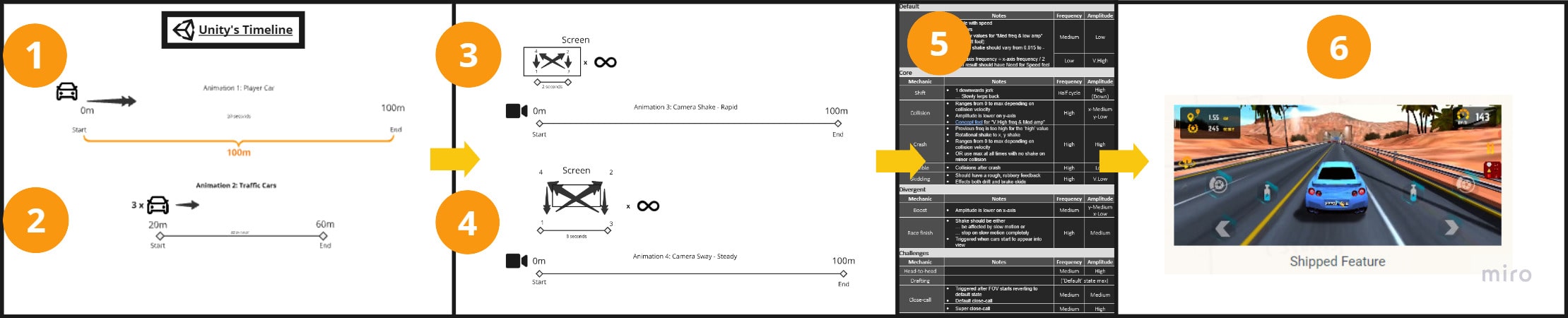
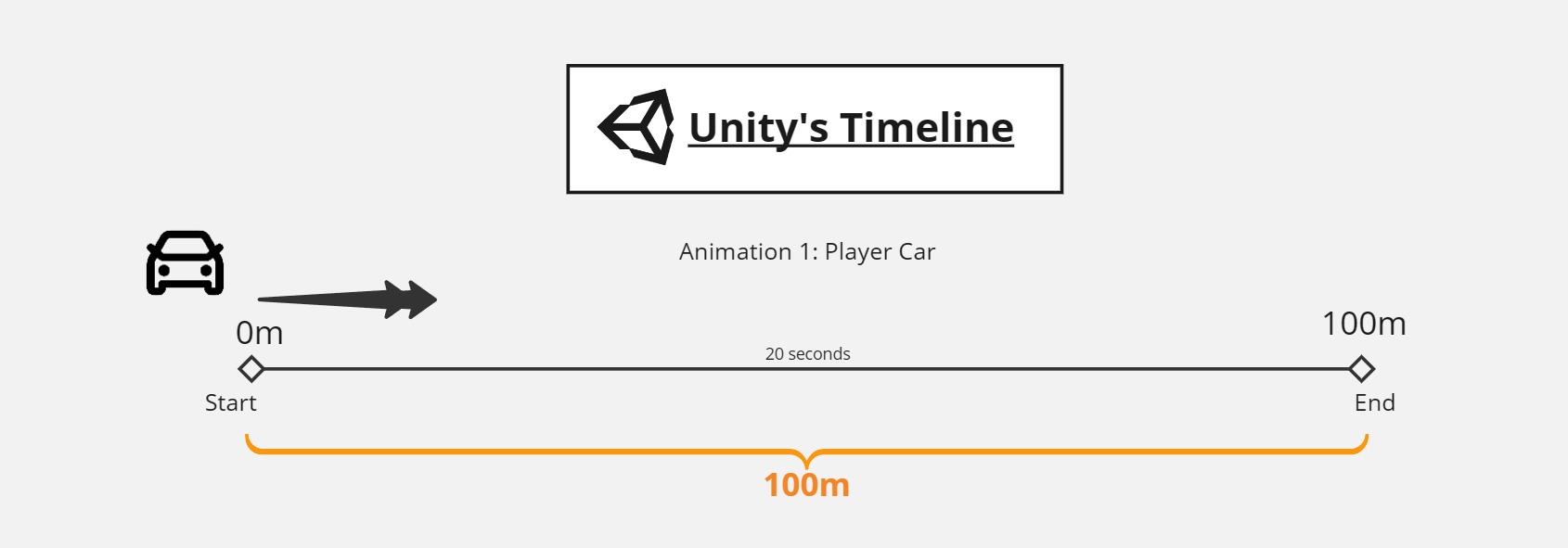
2. I started creating a prototype mockup to enlighten them, without spending the time to develop the feature. I added a start position and an end position for the player car, to animate through some time.
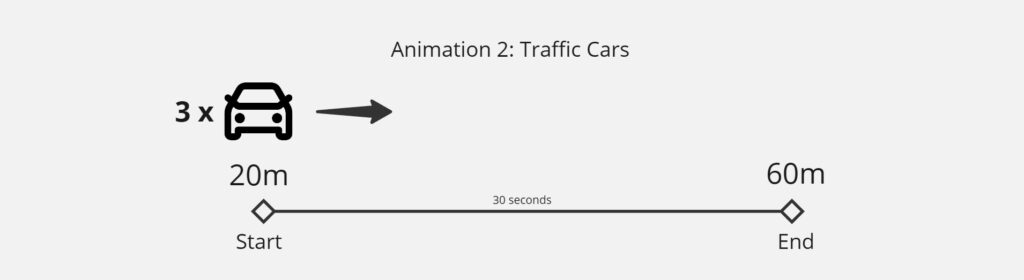
3. Then I did the same thing for the traffic cars, only through a smaller gap to make them move slower. This was enough to create fake gameplay.
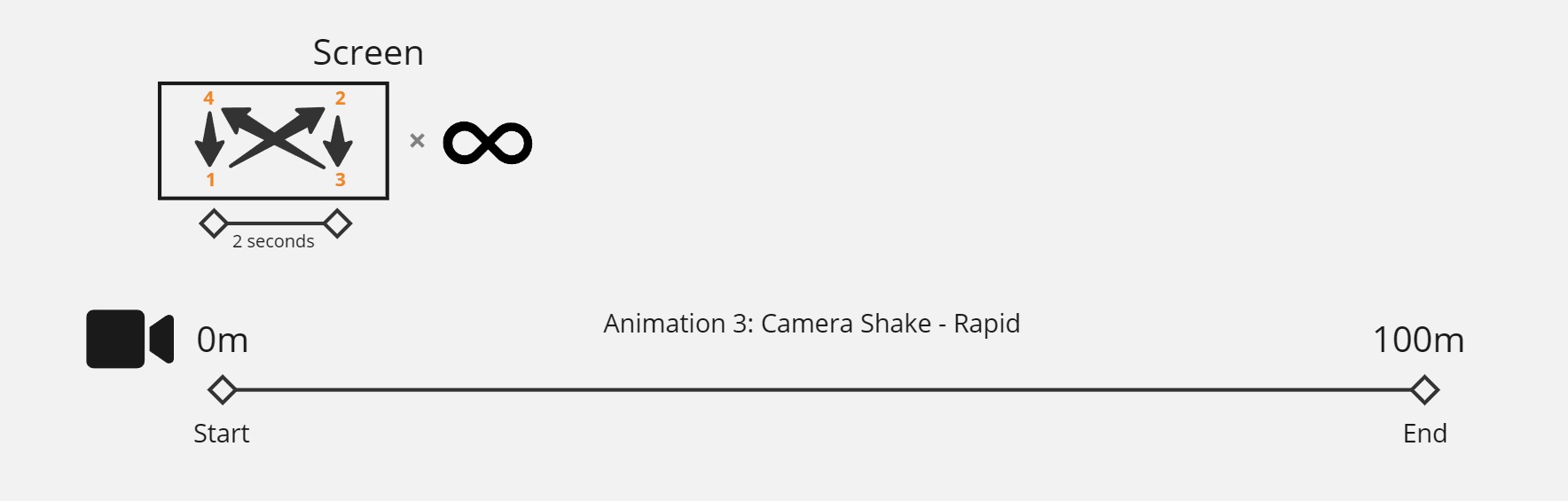
4. I similarly moved the camera diagonally over a very short period, looping it throughout the timeline. This resulted in the shake.
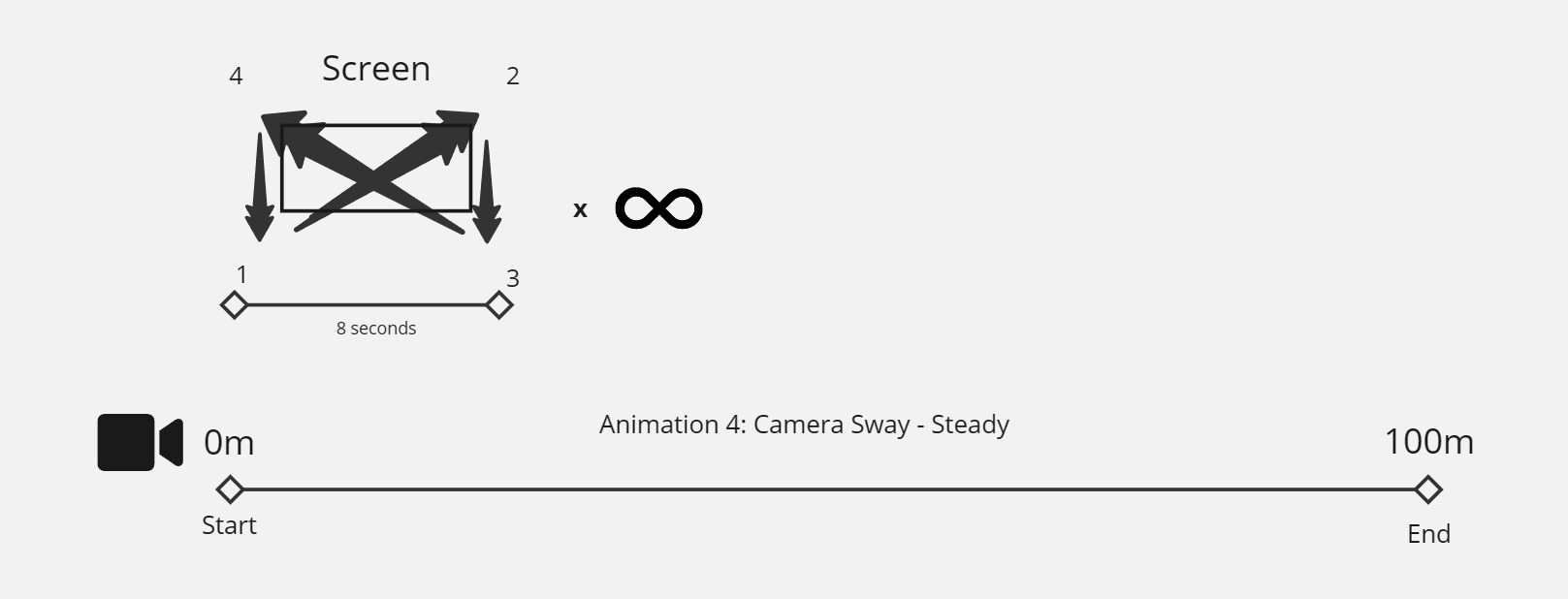
5. I layered another animation that still shook the camera, but only slowly and over a much wider gap. This created a cinematic sway/hand-movement.
Phase 2: Documentation, implemenation, and iteration
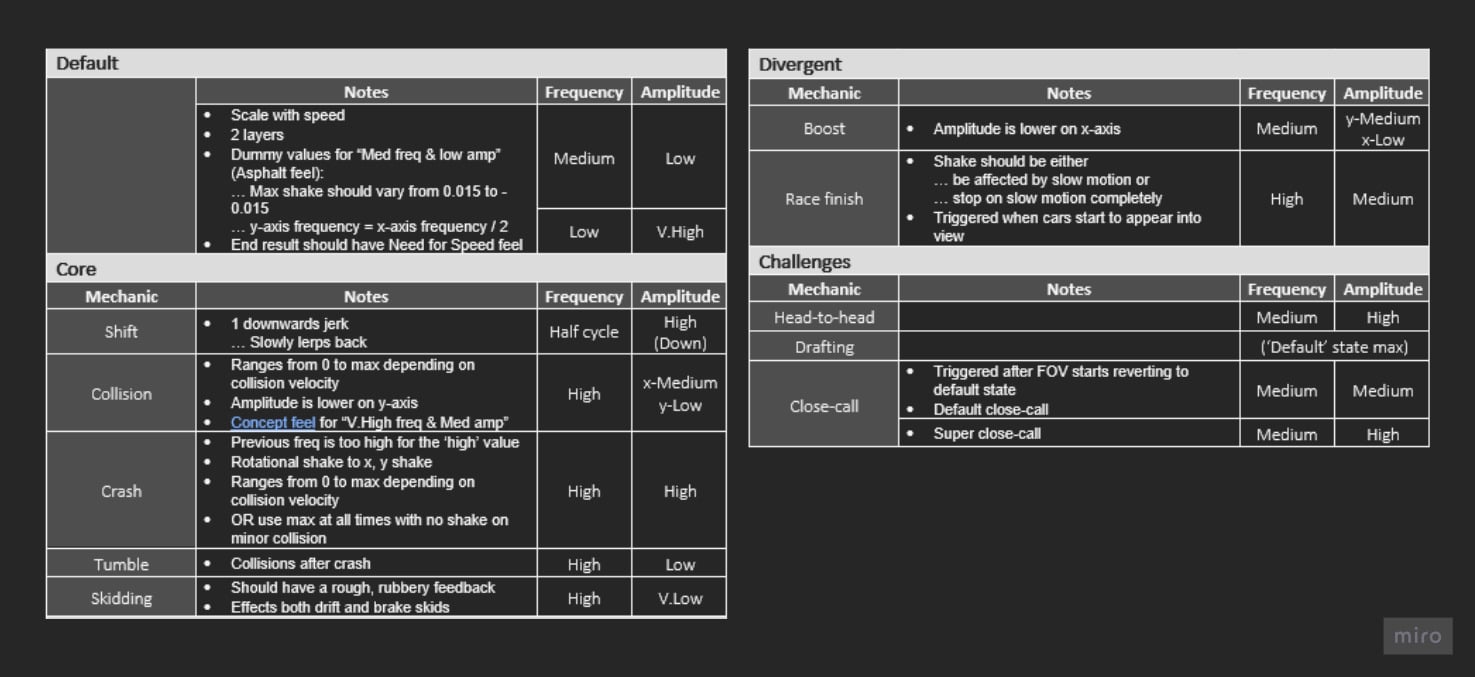
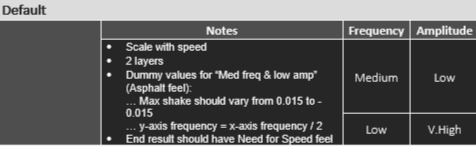
1. After the team was fully sold on this, I documented the parts of the gameplay where screenshake was to be added, alongside it’s rough parameters.
2. Collaborated with the programmer to implement it, going through rapid iterations to perfect the feel that looks like this:
3. We also added a few interesting dynamics to the mix (like changing the intensity based on car speed) to make screenshake feel more reactive to gameplay.
Expand to see my process
Phase 1: Coin pickup redesign
1. I was working on a different design problem: the immersion-breaking and unclear coin pickups. When picked up, they vanished without a trace, as their irritating sound effect played
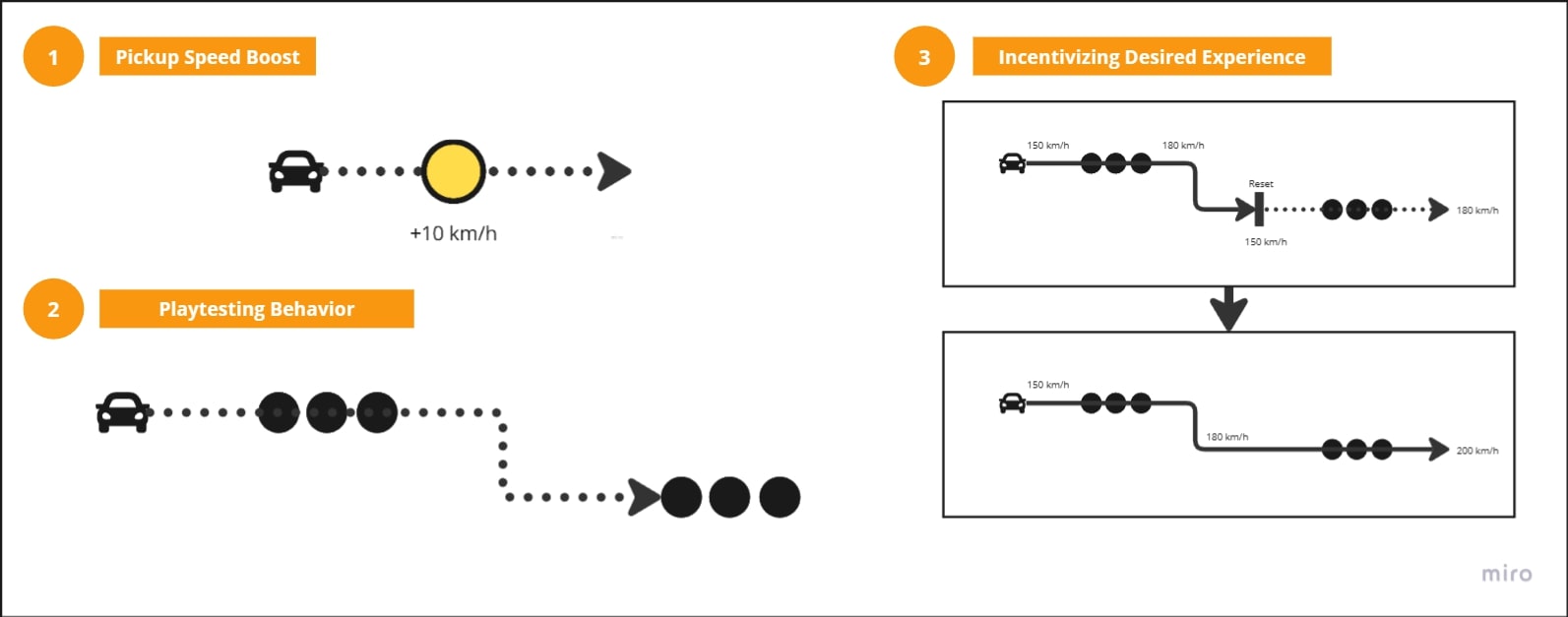
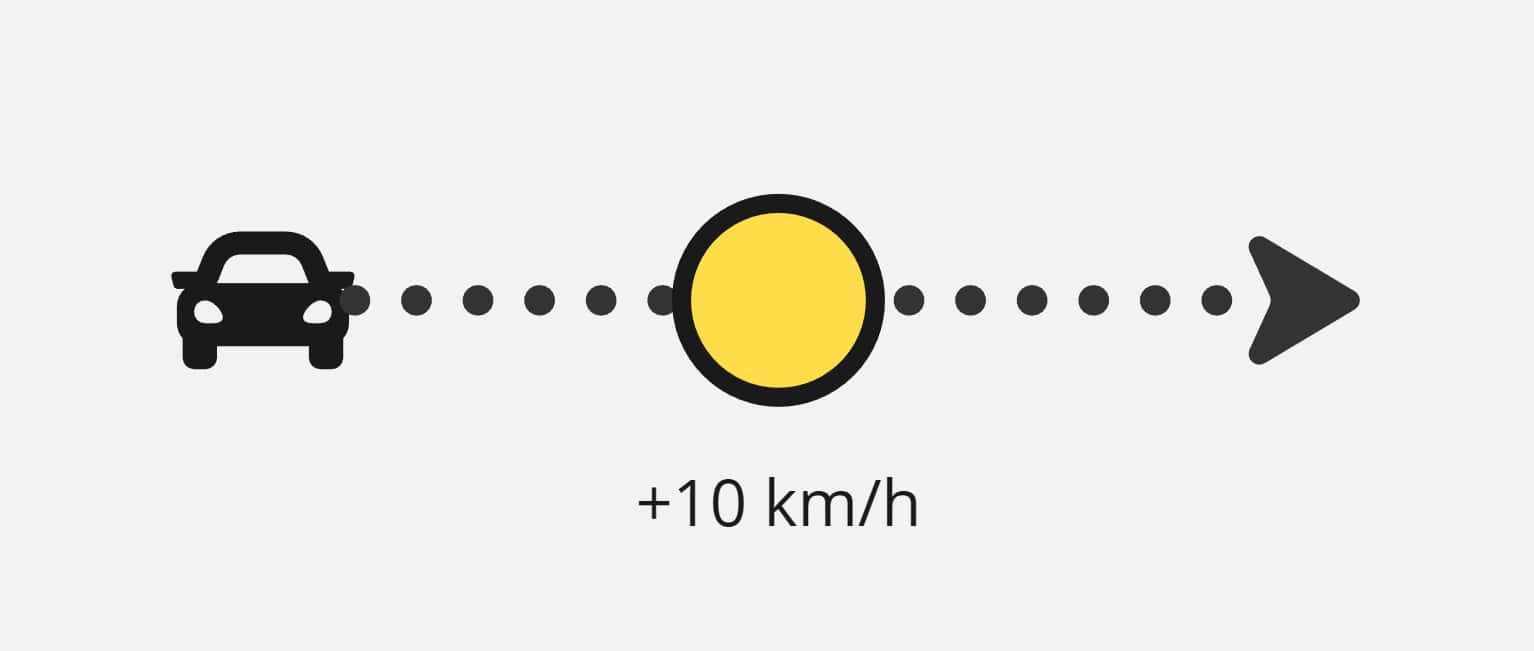
2. For the redesign, I introduced a temporary burst of speed on each pickup, increasing camera Field-of-View to add the feeling of the boost.
Phase 2: Affording speed pickup chains
1. Boosting through coins as an activity itself was quite fun. Playtests somehow encouraged chaining speed boost pickups with the upcoming set of pickups.
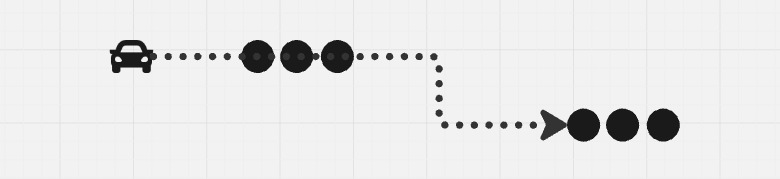
2. I extended the time it took to return to normal speed, so players could chain them them together.
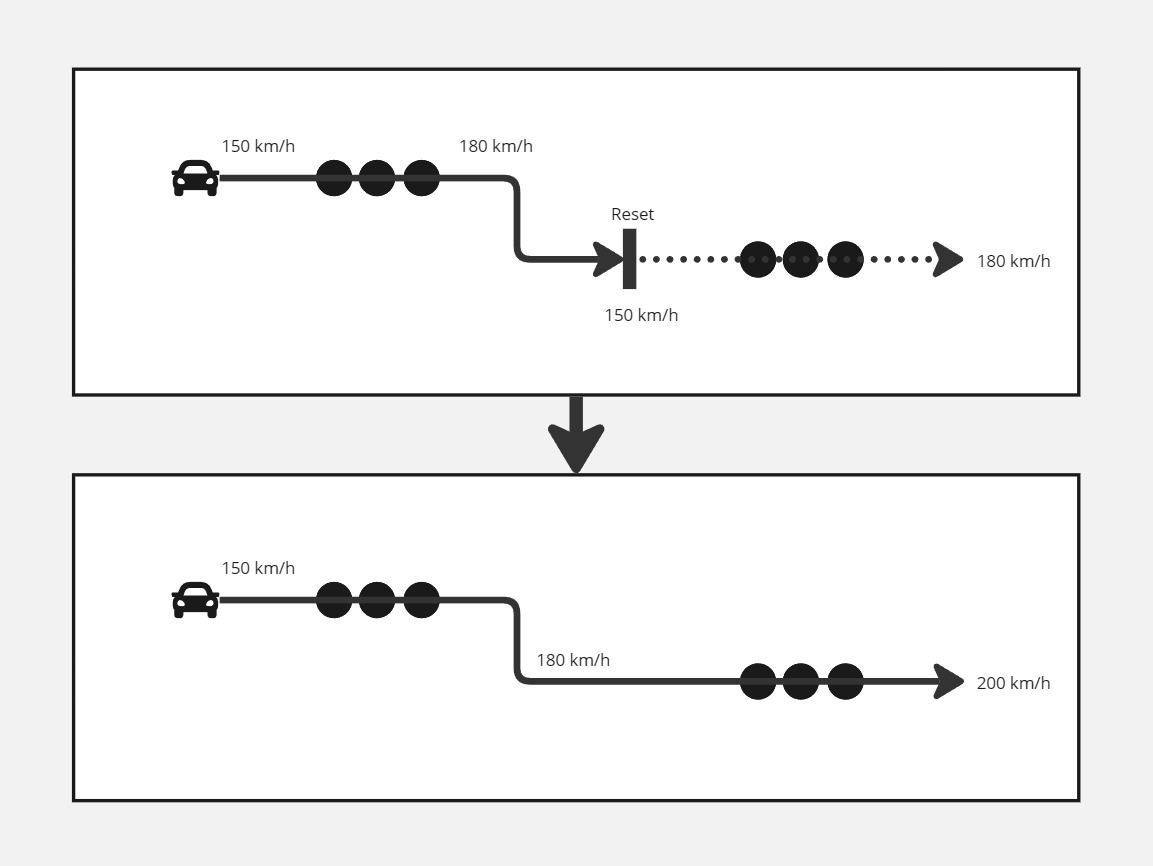
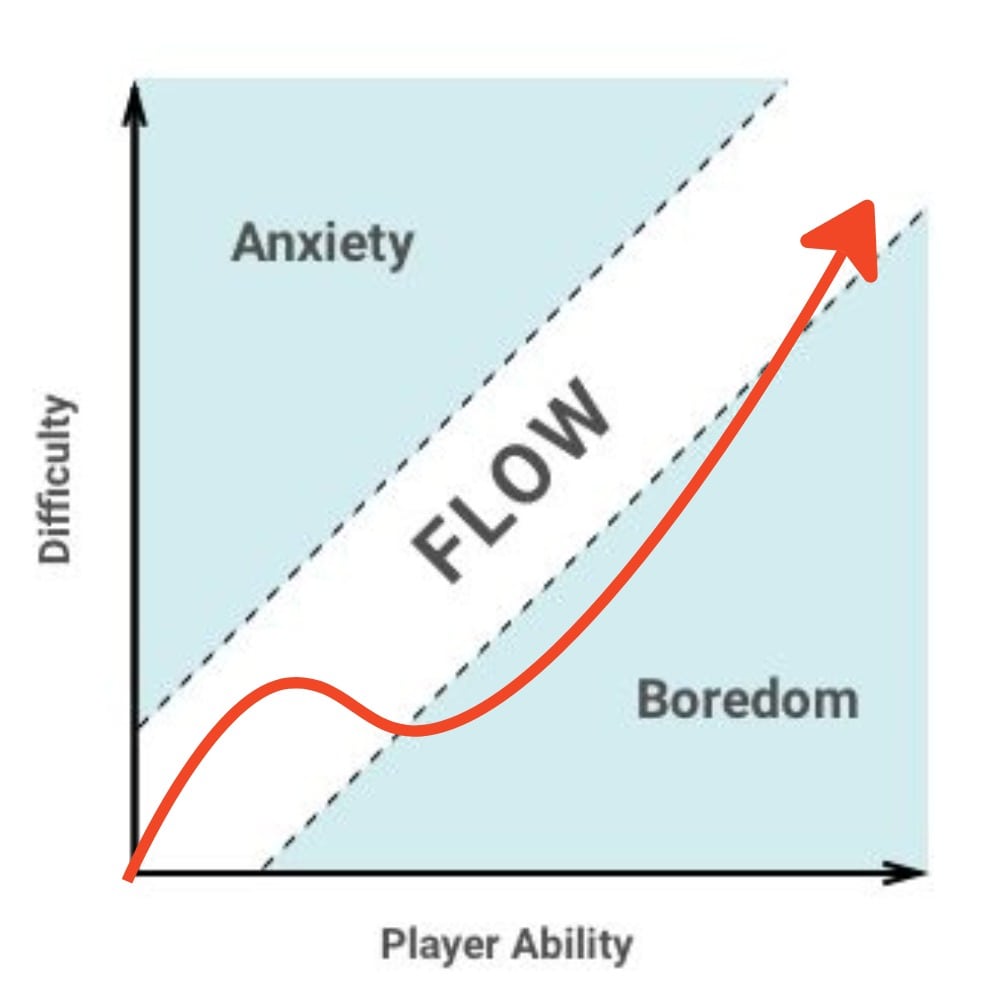
3. The player would lose the speed equally as fast as they gained it. So whenever they couldn’t steer comfortably towards the next set – they would lose the chain anyways. This created a natural return to the default intensity of the difficulty.

Expand to see my process
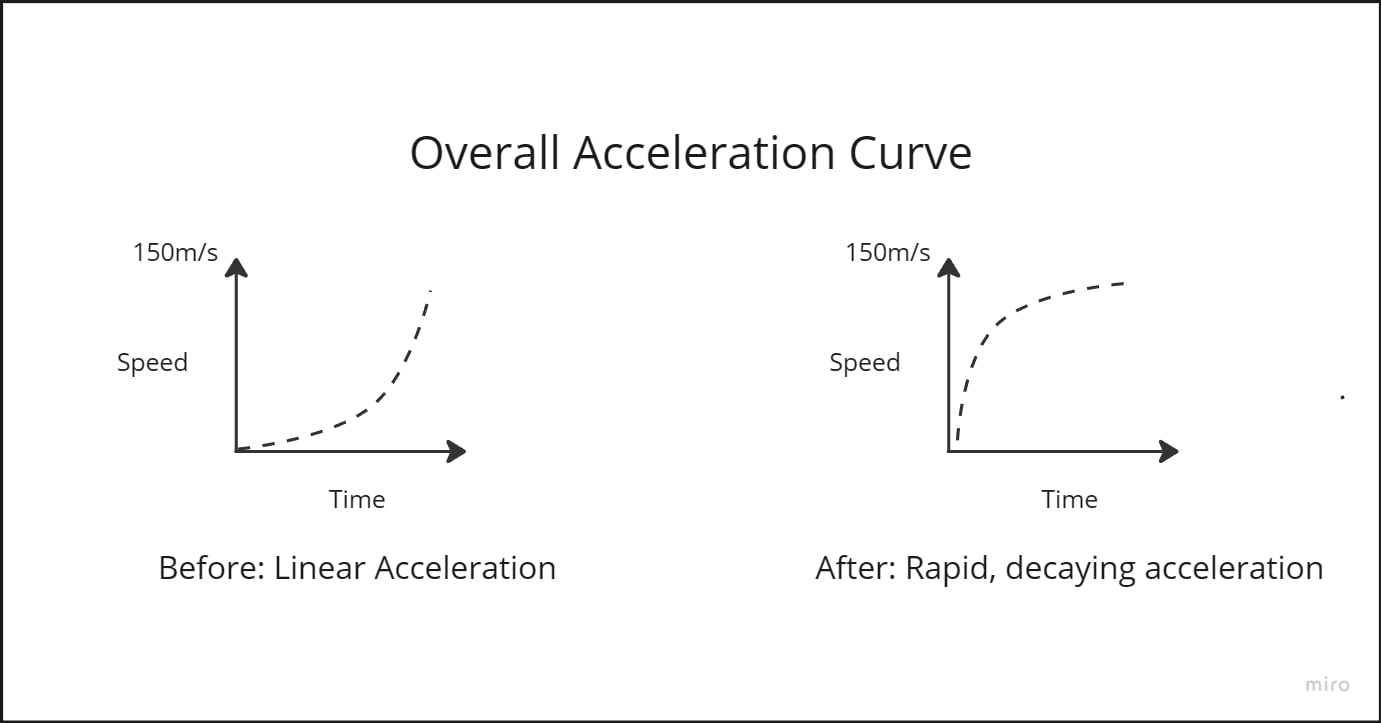
1. To get the player upto… SPEED, I tuned acceleration graphs for each of the car’s gears to stay in slower gears shorter. My familiarity with animation curves enabled me to plot them out exactly as I wanted to perceive the gameplay, so I did this myself in Unity’s editor.
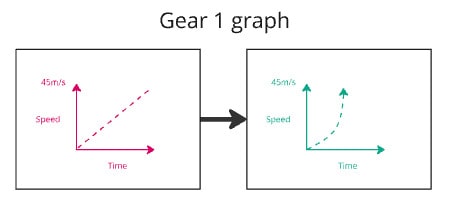
2. Then I tuned the faster gear graphs to stay in those for longer, so that there was no point where driving felt monotonous.
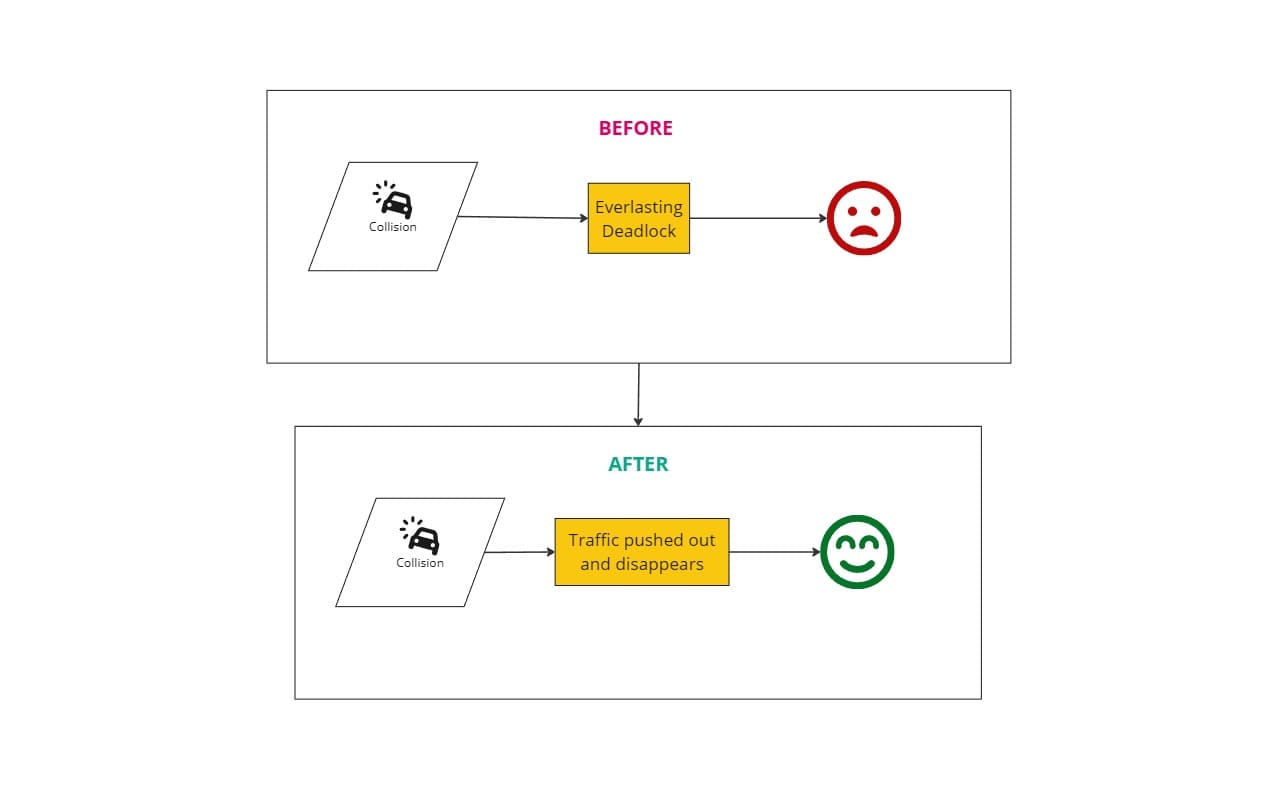
3. As for time in the deadlock against the NPCs, “Non Player Vehicles”, I reduced that to an instant by pushing it out of the player’s way, and then dissipating it after a delay – making it disappear slowly.
4. Playtested the emerging gameplay to verify whether the gameplay felt more satisfying.